You finally decided to make your home smarter — but the thought of wiring hubs, configuring apps, and getting everything to talk to each other might feel overwhelming. We get it. The smart home market has exploded, with over 64 million U.S. households using at least one smart device in 2025. Yet many beginners stall because they don’t know where to start. That’s exactly why we created this DIY smart home installation guide for beginners step by step. You’ll learn exactly how to pick devices, set them up, and connect them without needing a professional. Let’s walk through the process together, starting with a solid plan.
Why Start Your Smart Home Journey with DIY?
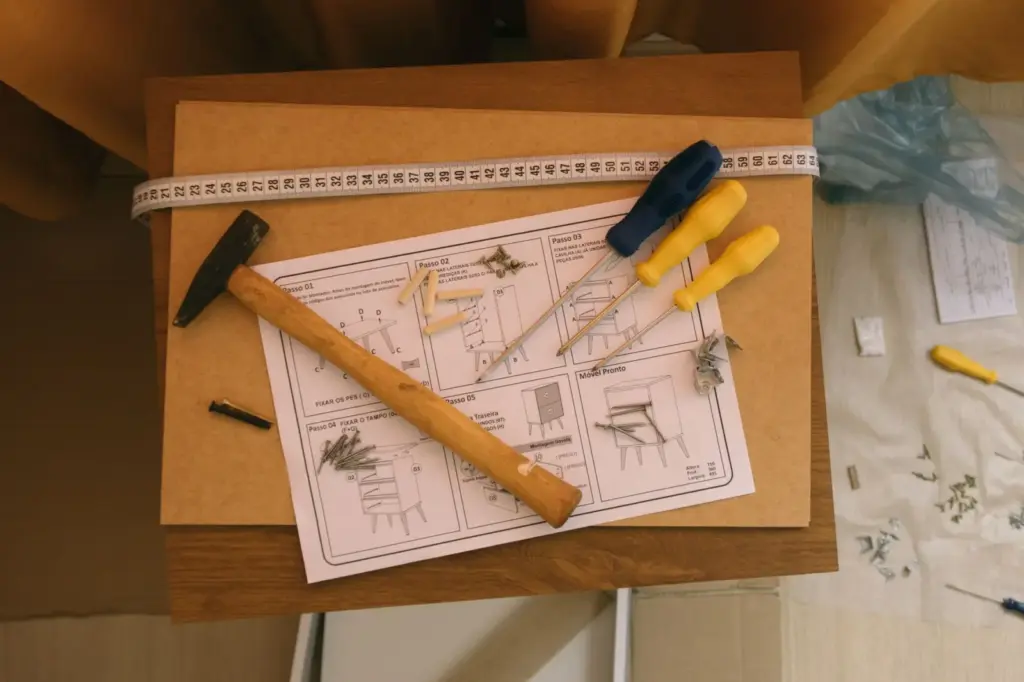
Taking the DIY route saves you hundreds of dollars on installation fees and gives you complete control over your system. You learn how everything works, which makes future upgrades easier. Plus, most modern devices are designed for plug‑and‑play installation — you won’t need to touch electrical wiring unless you choose advanced lighting or thermostat replacements.
Another advantage is flexibility. You can start small with a single smart plug or light bulb, then expand at your own pace. No contracts, no lock‑in, and no waiting for a technician. With a few basic tools and a smartphone, you can transform your home in a weekend.
Step-by-Step DIY Smart Home Installation for Beginners
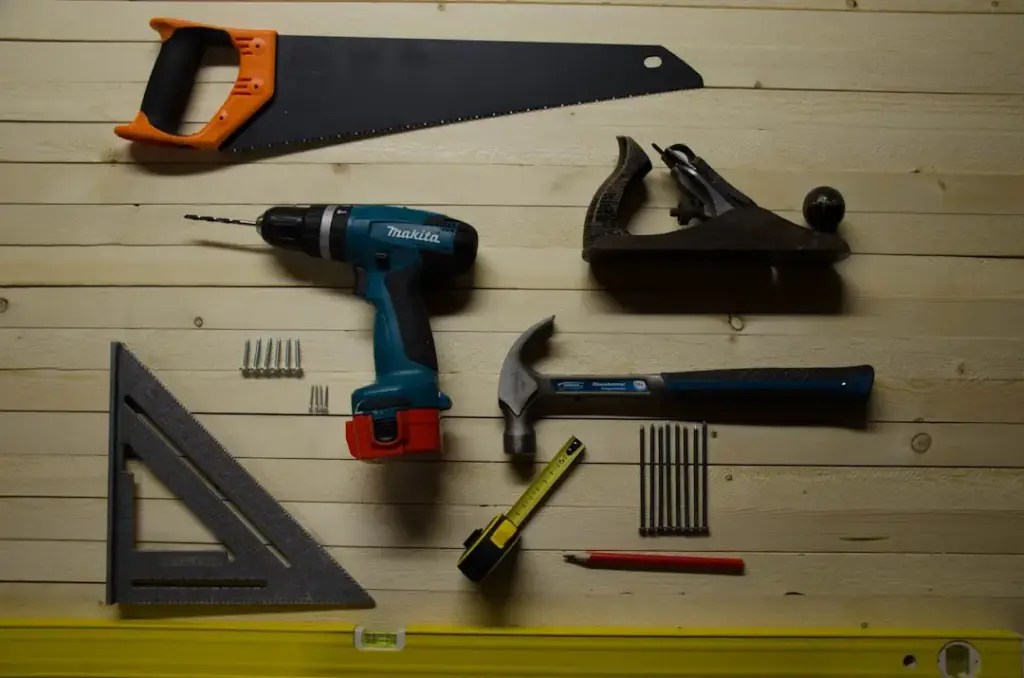
Follow these steps in order to avoid common mistakes. Each step builds on the previous one, so resist the urge to skip ahead.
Step 1: Plan Your Ecosystem
Before buying anything, decide which voice assistant and ecosystem you want to use. Amazon Alexa, Google Assistant, and Apple HomeKit are the big three. Check which smart devices you already own — if you have an Android phone, Google Assistant integrates smoothly; if you use iPhones heavily, HomeKit might be best.
Your ecosystem determines compatibility. Most devices work with Alexa and Google, but fewer support HomeKit natively. Plan to choose one primary ecosystem to avoid having to juggle multiple apps. Read also: Best Smart Thermostat for Multi Zone Heating Systems: Expert Guide (2026) — this guide highlights thermostat compatibility with different ecosystems.
Step 2: Start with a Smart Hub (If You Need One)
Some devices communicate directly over Wi‑Fi, while others use Zigbee or Z‑Wave and require a hub. Popular hubs include Amazon Echo (4th Gen) with built‑in Zigbee, Samsung SmartThings Hub, and Hubitat. If you plan to use only Wi‑Fi‑based devices, you can skip a dedicated hub initially.
For beginners, we recommend starting with a smart speaker that doubles as a hub — like an Echo Dot or Google Nest Audio. It simplifies setup and gives you voice control right away.
Step 3: Install Smart Lighting
Smart bulbs are the easiest entry point. Unscrew your old bulb, screw in a smart bulb (Philips Hue or Wyze), and add it to the app. That’s it. Alternatively, you can install smart switches that replace your wall switches — that requires turning off power and basic wiring, but offers permanent control without touching bulbs.
Budget factor: A single smart bulb costs $10–$25, while a smart switch runs $25–$50 plus some wiring effort. If you want to light up your whole house, plan accordingly. For a detailed cost breakdown, read also: Cost to Install Smart Home Lighting System in 2500 Sq Ft Home: 2026 Guide.
Step 4: Add Smart Plugs and Outlets
Smart plugs give you remote control of lamps, fans, coffee makers, and other appliances. Simply plug the smart plug into an existing outlet, then plug your device into it. They cost $15–$35 each and come with energy monitoring features.
If you need an outdoor solution for holiday lights or a security camera, choose a weatherproof outdoor smart plug. Read also: Best Outdoor Smart Plug with Weatherproof Cover: Top Picks for Rain, Snow, and Sun.
Step 5: Install a Smart Thermostat
Smart thermostats save energy and let you control temperature from anywhere. Most replace your existing wall thermostat using a simple wiring process (C‑wire required). Check compatibility using online tools from Ecobee, Nest, or Honeywell.
If your home has multiple heating zones, choose a multi‑zone‑compatible model. Follow the manufacturer’s video guide; installation typically takes 30–60 minutes.
Step 6: Secure Your Home with Smart Locks and Garage Openers
Smart locks upgrade your front door without rekeying. Models with fingerprint and keypad allow keyless entry for family and guests. Installation usually involves replacing the interior part of your deadbolt — only a screwdriver is needed.
For the garage, a smart opener with a built‑in camera adds security and convenience. You can monitor and control it remotely. Read also: Best Smart Garage Door Opener with Built In Camera (2026 Guide).
Step 7: Expand with Sensors and Cameras
Add door/window sensors, motion detectors, and indoor cameras to complete your system. Most sensors peel‑and‑stick, while cameras might need a power outlet or hardwiring. Configure automation rules in your app — for example, “when front door opens, turn on hallway light”.
This is where a hub helps, as it can trigger multiple devices across brands. Test each automation as you go to ensure smooth operation.
Best Smart Home Products for Beginners (Numbered List)
1. Amazon Echo (4th Gen) – Best Overall Smart Hub
Overview: The spherical Echo serves as a Zigbee hub, smart speaker, and Alexa controller all in one. It’s the easiest way to start building a smart home, especially if you plan to add many Zigbee devices later.
Features: Built‑in Zigbee, Dolby Audio, 3.5mm output, multi‑room music, temperature sensor, and privacy controls.
Pricing: $99.99 retail, often discounted to $79.99.
Advantages:
- Eliminates the need for a separate hub
- Excellent sound quality for music
- Wide range of compatible accessories
Disadvantages:
- Requires constant internet connection
- Not compatible with Apple HomeKit out of the box
Best For: Beginners who want one device to rule them all.
User Experience: Overwhelmingly positive reviews highlight easy setup and responsive voice control. Some users note the microphone occasionally misses commands in noisy rooms.
Expert Opinion: For a first hub, the Echo is the best balance of price, performance, and ecosystem support. It’s future‑proof for most new Zigbee devices.
2. Philips Hue White Starter Kit – Best for Smart Lighting
Overview: Includes two or four white‑only bulbs plus the Hue Bridge hub. It’s the most reliable and beginner‑friendly smart lighting system on the market.
Features: Dimmable white light (warm to cool), Zigbee mesh network, routines, geofencing, and Apple HomeKit compatibility.
Pricing: $69.99 (2‑bulb kit), $129.99 (4‑bulb kit). Additional bulbs $15–$50 each.
Advantages:
- Rock‑solid connectivity even without Wi‑Fi
- Works with Alexa, Google, and HomeKit
- No monthly fees
Disadvantages:
- Requires the Hue Bridge (included in kit)
- Bulbs cannot be used in enclosed fixtures
Best For: Anyone wanting a headache‑free lighting system they can expand later.
User Experience: Customers consistently praise the ease of setup — “screw in, add to app, done.” A few complain about the price compared to cheaper Wi‑Fi bulbs, but reliability is the trade‑off.
Expert Opinion: Philips Hue is the gold standard. The Bridge ensures consistent performance even with 50+ bulbs.
3. Ecobee SmartThermostat with Voice Control – Best Premium Thermostat
Overview: This thermostat includes built‑in Alexa, a remote sensor, and robust energy‑saving features. It works with most HVAC systems and is multi‑zone capable.
Features: Remote sensor for room‑by‑room comfort, voice control, Apple HomeKit, geofencing, and energy reports.
Pricing: $249.99, often on sale for $199.99. Additional sensors cost $39.99 each.
Advantages:
- Reduces energy bills by up to 26% (Ecobee claims)
- Easy DIY installation with clear wiring diagrams
- Supports multi‑zone with multiple units
Disadvantages:
- Requires C‑wire (power adapter available)
- Higher upfront cost than Nest
Best For: Homeowners with multiple heating zones who want advanced control.
User Experience: Positive feedback on intuitive app and accurate temperature balancing. Some users found the wiring process tricky without a C‑wire.
Expert Opinion: The Ecobee is superior for multi‑zone homes and energy analytics; Nest is simpler for single zone.
4. August Wi‑Fi Smart Lock (4th Gen) – Best for Front Door Security
Overview: The August Smart Lock retrofits onto your existing deadbolt — you only replace the interior portion, leaving your exterior keypad or key cylinder untouched. It connects directly to Wi‑Fi, no hub needed.
Features: Auto‑lock/unlock via geofencing, voice control, virtual keys for guests, door sense sensor, and Apple HomeKit (with August Connect bridge).
Pricing: $249.99; occasionally $199.99.
Advantages:
- Minimal installation — no wiring
- Works with your existing keys and keypad
- App‑based access logs
Disadvantages:
- Does not include a keyless keypad (sold separately)
- May be bulky on thick doors
Best For: Renters or homeowners who don’t want to replace the whole lock.
User Experience: Users love the convenience of auto‑unlock. Occasional connectivity issues reported with older routers.
Expert Opinion: For a minimalist DIY upgrade, August is excellent. For a full‑featured solution with fingerprint and keypad, consider the models in our smart lock guide.
5. TP‑Link Kasa Smart Outdoor Plug (KP401) – Best Weatherproof Plug
Overview: The KP400 (or KP401) is a two‑outlet weatherproof smart plug rated for rain, snow, and extreme temperatures. It connects via Wi‑Fi and works with Alexa and Google.
Features: IP64 weather rating, energy monitoring, scheduling, timer, and away mode.
Pricing: $29.99 (single pack), $49.99 (two‑pack).
Advantages:
- No hub required
- Two independently controllable outlets
- Works in temperatures from -4°F to 122°F
Disadvantages:
- Bulky design may block second outlet on some boxes
- Requires 2.4 GHz Wi‑Fi
Best For: Outdoor holiday lights, pool pumps, or security cameras.
User Experience: Highly rated for durability — survived hard winters and summer storms. Setup takes less than 5 minutes.
Expert Opinion: TP‑Link Kasa is the most reliable outdoor plug we’ve tested at this price. No subscription needed.
Quick Comparison: Best Smart Home Ecosystems for Beginners
| Ecosystem | Ease of Setup | Device Compatibility | Voice Assistant | Avg. Starter Cost | Best For |
|---|---|---|---|---|---|
| Amazon Alexa | Very Easy | Highest (10,000+ devices) | Alexa | $25–$100 | Universal beginners |
| Google Home / Assistant | Easy | High (5,000+ devices) | Google Assistant | $25–$100 | Android users & Google loyalists |
| Apple HomeKit | Moderate (requires compatible hub) | Moderate (500+ certified devices) | Siri | $99–$300 | Apple ecosystem fans; privacy focus |
| Samsung SmartThings | Moderate (hub needed) | Very high (Z‑Wave, Zigbee, Wi‑Fi) | Alexa/Google (via integration) | $60–$150 | Advanced DIYers who want total control |
What to Look for When Buying DIY Smart Home Devices
Compatibility First
Always check whether a device works with your chosen ecosystem. Look for “Works with Alexa” or “Works with Google Assistant” badges. If you plan to use Apple HomeKit, search for “HomeKit‑compatible” devices.
Also consider the communication protocol. Wi‑Fi devices are simplest but can crowd your network. Zigbee and Z‑Wave require a hub but create a separate mesh network that is more reliable with many devices.
Installation Difficulty
Beginners should stick to devices that require no wiring: smart plugs, bulbs, and sensors. Switches, thermostats, and doorbells may need minor electrical work. Look for products that include a clear manual or video guide.
App Quality and Security
A good app makes or breaks the experience. Read recent app store reviews to check for bugs. Choose brands that regularly update firmware and offer two‑factor authentication.
Pricing Factors and Hidden Costs
Device price is only part of the story. Factor in:
- Hub costs: Some ecosystems require a hub you may not already own.
- Subscription fees: Some security cameras and alarm systems charge monthly cloud storage fees.
- Professional monitoring: Optional for security systems, typically $10–$20/month.
- Installation tools: You may need a screwdriver, wire stripper, or drill – usually basic household tools.
- Upgrade path: Cheaper devices may lack features you’ll want later, forcing you to replace them sooner.
Tips for Choosing Wisely
- Start with a single brand (e.g., Philips Hue for lights, Kasa for plugs) to keep everything in one app.
- Read user reviews on Amazon or Reddit to spot real‑world issues like connectivity drops.
- Buy from retailers with easy returns in case a device doesn’t work with your home’s electrical system.
- Test one device before buying in bulk. A smart plug is a great test piece.
Frequently Asked Questions
Do I need a hub for my smart home?
Not necessarily. Many devices connect directly over Wi‑Fi and can be controlled via your phone or a smart speaker. However, if you plan to use Zigbee or Z‑Wave devices, you will need a compatible hub. Central hubs also improve reliability when you have many devices and enable advanced automations.
Can I install smart home devices if I rent?
Yes. Choose devices that do not require permanent wiring changes. Smart plugs, bulbs, and battery‑powered sensors are renter‑friendly. Smart locks like the August model let you keep the existing deadbolt exterior, so you can revert when you move out. Always get written permission from your landlord for any modifications.
What is the easiest smart home device to start with?
A smart plug is the easiest. Plug it into a wall outlet, download the app, and you can control a lamp or fan from your phone. No tools, no wiring. It takes less than five minutes and immediately shows you the benefits of smart home automation.
How do I connect multiple smart devices together?
Use routines or scenes inside your ecosystem’s app. For example, in Alexa, create a “Goodnight” routine that turns off all lights, locks the door, and sets the thermostat. Most apps let you trigger routines by voice, schedule, or sensor events.
Will smart home devices work without internet?
Local control (within your home network) usually works, but cloud‑dependent features like remote access from outside the home and voice commands via Alexa will not work unless you have an internet connection. Some hubs like Hubitat offer full local processing that continues to function during outages.
Are smart homes secure? Should I worry about hacking?
Security risks exist but are low for most users. To protect yourself: use strong unique passwords, enable two‑factor authentication on your accounts, keep device firmware updated, and avoid buying unknown brands. Separate your IoT devices on a guest Wi‑Fi network if your router supports it.
How many smart devices can I have before my Wi‑Fi slows down?
Most modern routers handle 20–40 devices comfortably. Beyond that, performance may drop. Use a mesh Wi‑Fi system or a hub that offloads traffic to Zigbee/Z‑Wave to keep your network fast. Smart devices usually use minimal bandwidth, but numerous simultaneous connections can cause congestion.
Can I mix different brands in one smart home?
Yes, as long as they all support the same ecosystem. For example, mix Philips Hue bulbs, Kasa plugs, and an Ecobee thermostat under Amazon Alexa. Use the Alexa app or Google Home app to control everything together. Mixing ecosystems (e.g., some devices on Alexa and others on HomeKit) will require separate apps and may cause conflicts.
Final Recommendations
Best Overall: Amazon Echo (4th Gen) + Philips Hue Starter Kit
The Echo gives you voice control and Zigbee hub functionality, while the Hue lights deliver unmatched reliability. This combo covers lighting and voice control for under $180 and can be expanded easily.
Best Value: TP‑Link Kasa Smart Plug + Google Nest Mini
For under $50, you get voice control via Google and a smart plug for lamps. It’s the cheapest way to dip your toes into smart home automation without sacrificing quality.
Best Premium Option: August Wi‑Fi Smart Lock + Ecobee Thermostat
These two devices upgrade security and energy efficiency. Combined, they cost around $500 but provide daily convenience and significant savings on your energy bill over time.
Best Beginner Choice: Amazon Echo Dot + Kasa Outdoor Smart Plug
Under $40 total, this is the lowest‑risk entry point. You can control a lamp or holiday lights with voice commands and get comfortable with the ecosystem before adding more devices.
Best for Advanced Users: Samsung SmartThings Hub + Mixed Z‑Wave/Zigbee Devices
If you’re comfortable setting up a hub and writing custom automations, SmartThings offers the broadest compatibility and the most powerful rules engine. You can mix sensors, locks, lights, and thermostats from dozens of brands.
Conclusion
Smart home technology is more accessible than ever, and this DIY smart home installation guide for beginners step by step has shown you exactly how to get started. Plan your ecosystem, pick compatible devices, install them one at a time, and expand at your own pace. You’ll save money, learn valuable skills, and create a home that works better for you. Start with a smart plug or bulb today, and you’ll be amazed at how quickly the convenience becomes indispensable.
